

MAIN TECHNICAL ARTICLE
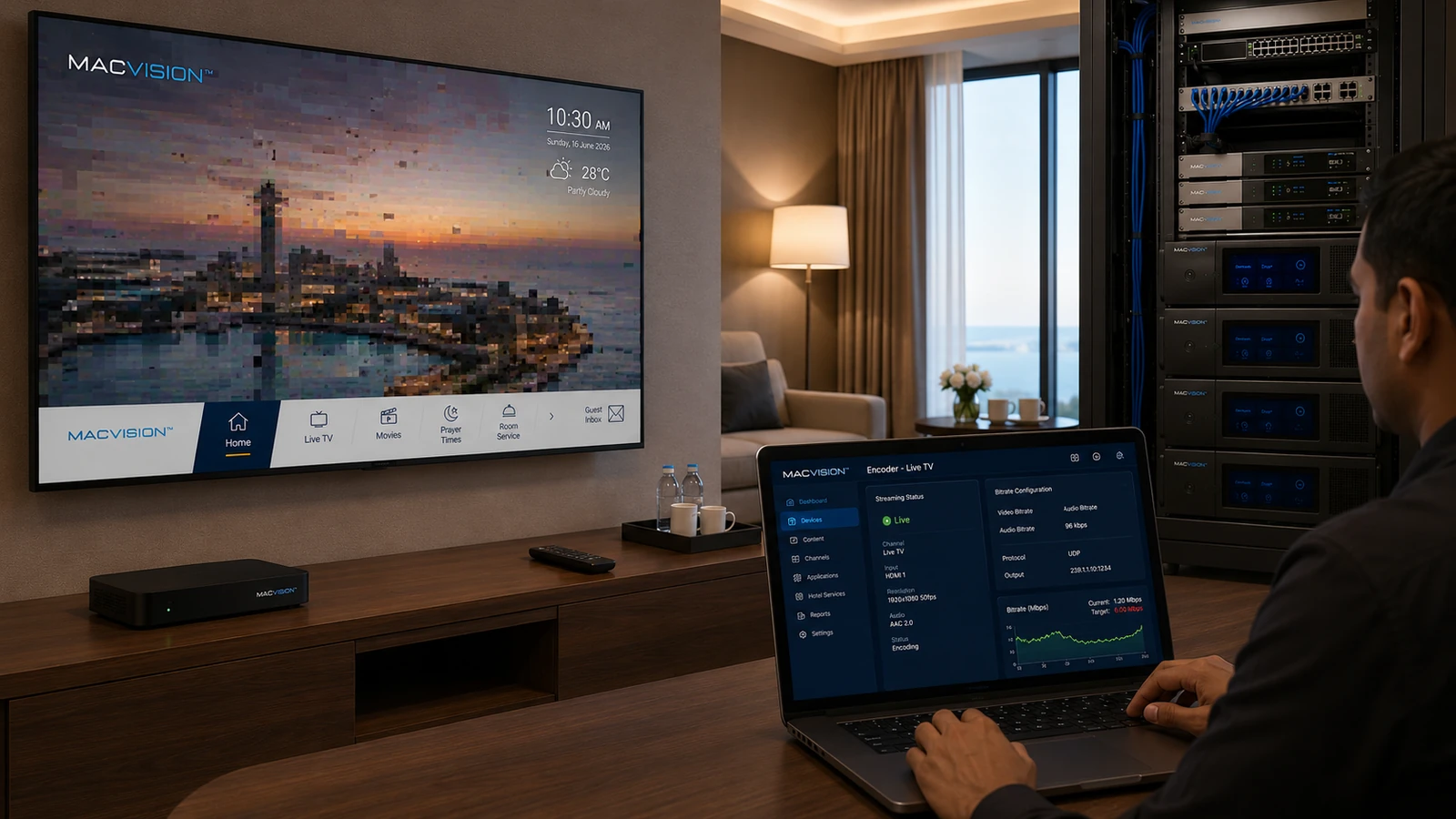
An encoder that compresses video too aggressively removes spatial and motion detail. The defects may be less visible on small screens but become obvious on 55-inch or 65-inch hotel televisions: blocking, banding, mosquito noise, blurred motion and loss of fine text. Low bitrate can also make error recovery worse when long GOP structures are used. The target must balance network capacity with source resolution, codec efficiency and expected viewing distance.
Why does an IPTV channel look acceptable on a monitor but poor on a large hotel TV?
Answer: Large panels expose compression blocks, ringing and motion blur that are hidden on small screens. Television scaling and sharpening can amplify the artifacts. A bitrate suitable for standard-definition content may be inadequate for sports, news tickers or detailed HD scenes. Evaluate the encoded stream on the actual largest installed display at normal viewing distance. Compare still scenes, fast motion, dark gradients and text before approving the profile.
What signs show that IPTV bitrate is too low rather than the satellite source being poor?
Answer: Compare the source before encoding with the IPTV output. If the source is clean but the output develops block boundaries, texture loss or smeared motion, the encoder profile is responsible. Check whether artifacts increase during complex scenes while RF metrics remain stable. Packet loss usually produces abrupt corruption and freezes; compression shortage produces repeatable degradation without network errors. Encoder statistics such as quantization and rate-control saturation can confirm the condition.
How should bitrate be increased efficiently for better channel quality?
Answer: Prioritize channels by content complexity and display importance rather than assigning one bitrate to all. Improve encoder settings, GOP structure and codec efficiency before making a large bandwidth increase. Use constrained variable bitrate when the network can accommodate peaks, or a carefully selected constant bitrate when predictable capacity is essential. After changing profiles, recalculate aggregate uplink load and verify quality on all endpoint types. Preserve enough network margin so improved image quality does not create packet loss elsewhere.