

MAIN TECHNICAL ARTICLE
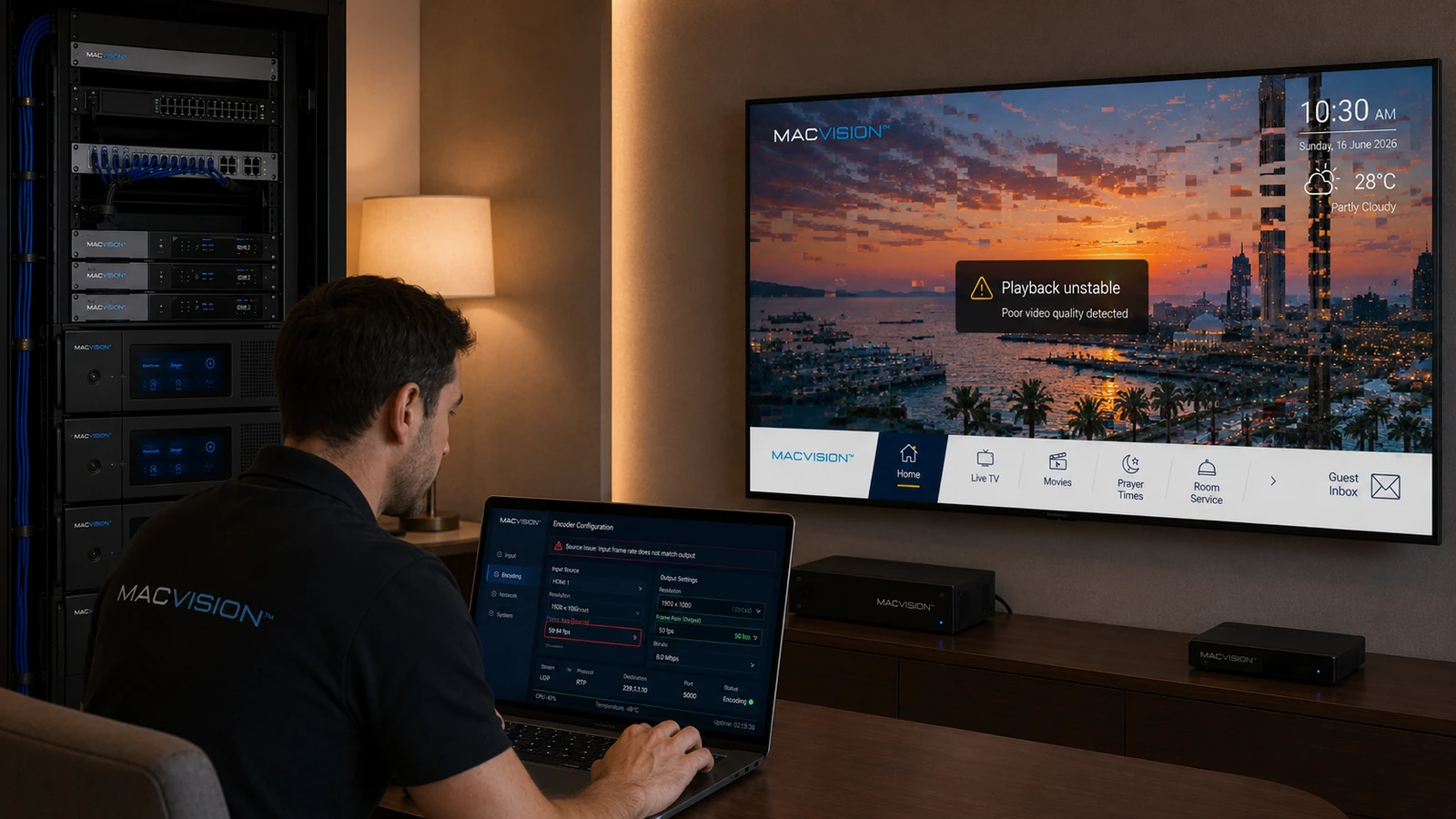
Resolution and frame rate must match source characteristics and endpoint capabilities. Converting 50 Hz broadcast material to 60 Hz, deinterlacing incorrectly or upscaling low-resolution sources can create judder, combing, softness or decoder failure. Some televisions accept 1080p files but not a particular live 1080p frame rate. A stable channel profile should preserve native timing where practical and use tested conversions only when necessary.
Why does an IPTV picture judder after encoder configuration changes?
Answer: The encoder may be converting between incompatible frame rates, such as 25/50 Hz and 30/60 Hz, by dropping or duplicating frames. Incorrect field handling can also turn interlaced video into uneven motion. Check the source format and encoder input detection, then inspect output frame cadence. Use motion content such as camera pans or sports to evaluate the result. Preserve the regional source rate unless endpoints require a conversion and the encoder provides high-quality motion compensation.
What problems occur when 1080i is converted incorrectly to 1080p?
Answer: Poor deinterlacing creates comb edges, reduced vertical resolution or motion artifacts. The output frame rate may also double, increasing bitrate and decoder load. If fields are combined in the wrong order, motion can appear to jump backward and forward. Select an appropriate deinterlacing mode, confirm field order and test on moving content. When the TV already handles 1080i well, pass-through may produce better quality and lower latency than unnecessary conversion.
How should a common resolution profile be chosen for mixed TV and STB endpoints?
Answer: Identify the highest stable live-stream format supported by every required endpoint, then test representative channels at that profile. Consider native SD and HD sources separately to avoid wasteful upscaling. Verify channel start, decoder recovery, aspect ratio and HDMI output. If 4K or high-frame-rate content is required, provide it only to compatible devices or through a dedicated profile. Document the approved resolution, scan type and frame rate so later encoder replacements reproduce the same behavior.