

MAIN TECHNICAL ARTICLE
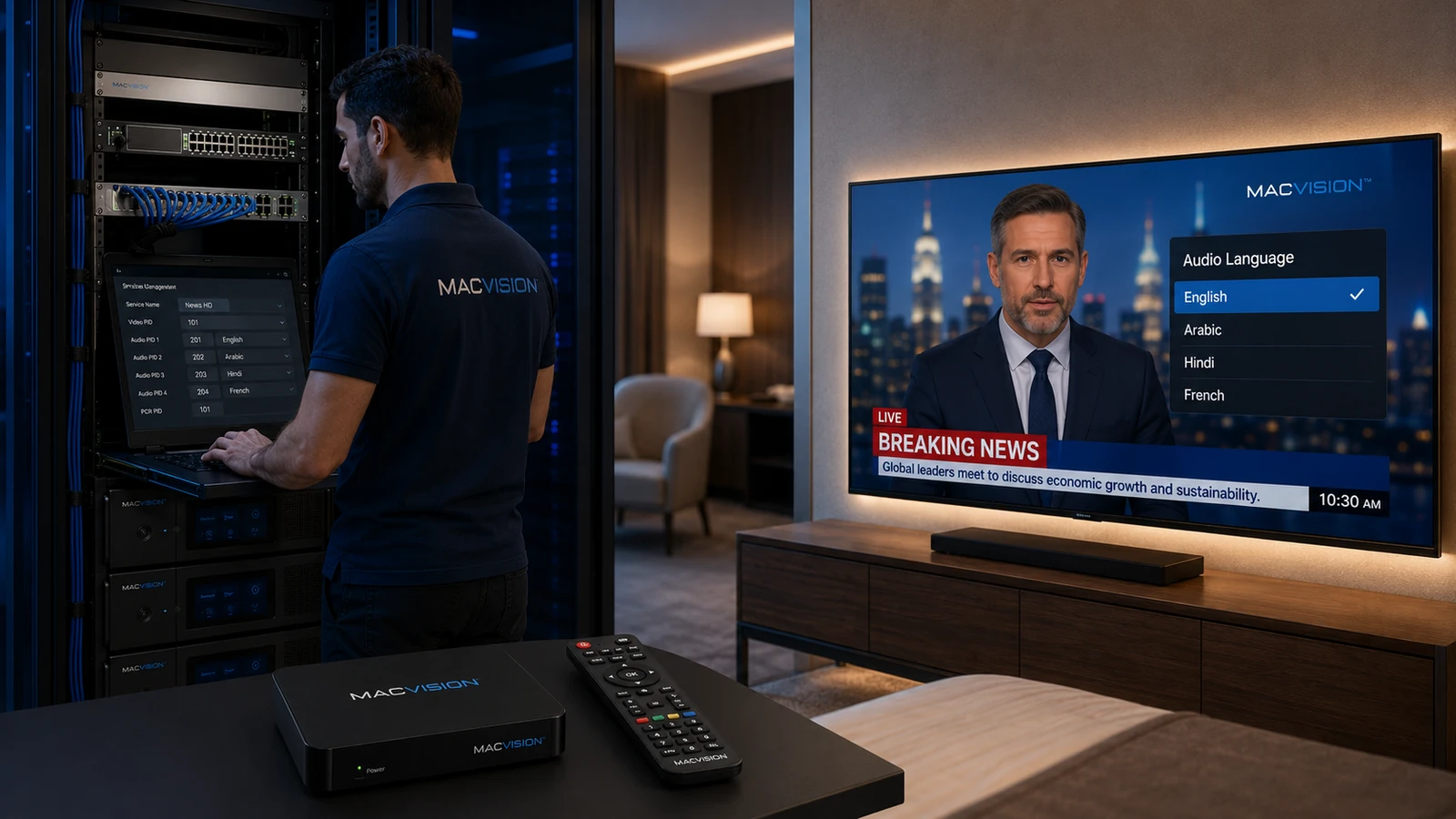
International hotel channels often carry several language, commentary or audio-description tracks. The headend must preserve required tracks, the middleware must label them correctly and the endpoint must choose a suitable default without preventing guest selection. Incorrect descriptors or ordering can make a foreign language play automatically, hide the desired track or produce silence on devices that do not support one codec.
Why does the wrong language play by default on an IPTV channel?
Answer: The broadcaster may place tracks in an order different from the hotel's preference, language descriptors may be missing, or the player may remember a previous selection. The headend can also remap PIDs without preserving descriptors. Inspect every audio track, verify its language code and codec, then configure a default-language policy in the middleware or application. Test after TV reboot and room reset because a setting that works during one session may not apply to new guests.
How can multiple audio languages be retained without increasing channel confusion?
Answer: Pass only the languages required by the property and label them with clear standardized codes or names. Keep a compatible primary track first and ensure the player exposes a simple language selector. Remove duplicate commentary or inaccessible tracks only after confirming contractual and accessibility requirements. Test switching while the channel is playing and after channel changes. The EPG or channel guide can also state available languages where the middleware supports it.
What should be done when one language track uses an unsupported codec?
Answer: Transcode that track to a compatible format or provide an additional compatible version while preserving the original if needed by other devices. Do not transcode every audio track automatically, because this can change loudness, latency and quality. Align timestamps with video and normalize levels carefully. Verify language labels still point to the correct PID after processing. Test LG, Samsung and STB endpoints because audio-track selection behavior can differ even when codec support is similar.