

MAIN TECHNICAL ARTICLE
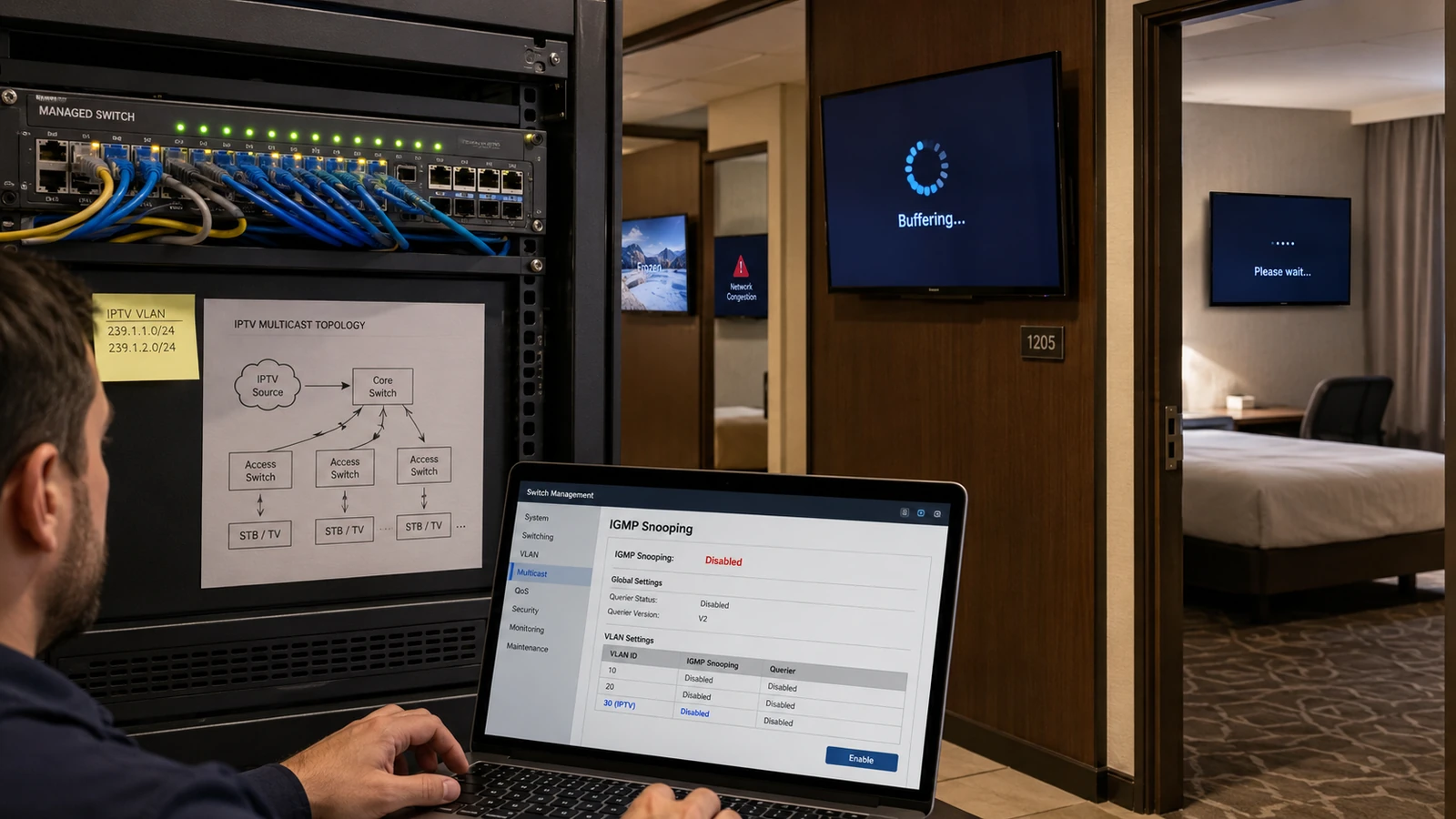
IGMP snooping allows Ethernet switches to forward multicast only to ports that have requested a group. Without it, many switches treat multicast like broadcast and flood every port in the VLAN. A small lineup may appear to work, but as channel count grows the unwanted traffic can overload television ports, Wi-Fi access points, uplinks and other devices. The result is network-wide congestion rather than one isolated channel fault.
What happens to IPTV traffic when IGMP snooping is not enabled?
Answer: Each multicast stream can be copied to every port in the broadcast domain, regardless of whether the connected device is watching it. A TV with a 100 Mbps interface may receive the aggregate bitrate of dozens of channels and drop packets or lose network access. Access points can waste wireless airtime forwarding multicast. Interface utilization and packet captures on an idle port will reveal the flood. Correct snooping confines each group to interested receivers.
Why might IPTV work initially and fail only after more channels are added?
Answer: With a few low-bitrate streams, flooded traffic can remain below port and uplink capacity. Adding channels raises the aggregate until buffers or 100 Mbps access links saturate. The failure may appear as random pixelation on all services, slow web access or device disconnections. Capacity alone is not the intended solution because every endpoint still receives unnecessary data. Configure multicast control before expanding the lineup.
What should be checked after enabling IGMP snooping?
Answer: Ensure an IGMP querier exists in the VLAN, verify snooping is active on all relevant switches and confirm uplink and router ports are learned correctly. Watch group membership while TVs change channels and check that an idle port no longer receives the full lineup. Test leave behavior so old streams stop promptly. Some switches require specific multicast-router port configuration; review the platform design rather than enabling one checkbox in isolation.