

MAIN TECHNICAL ARTICLE
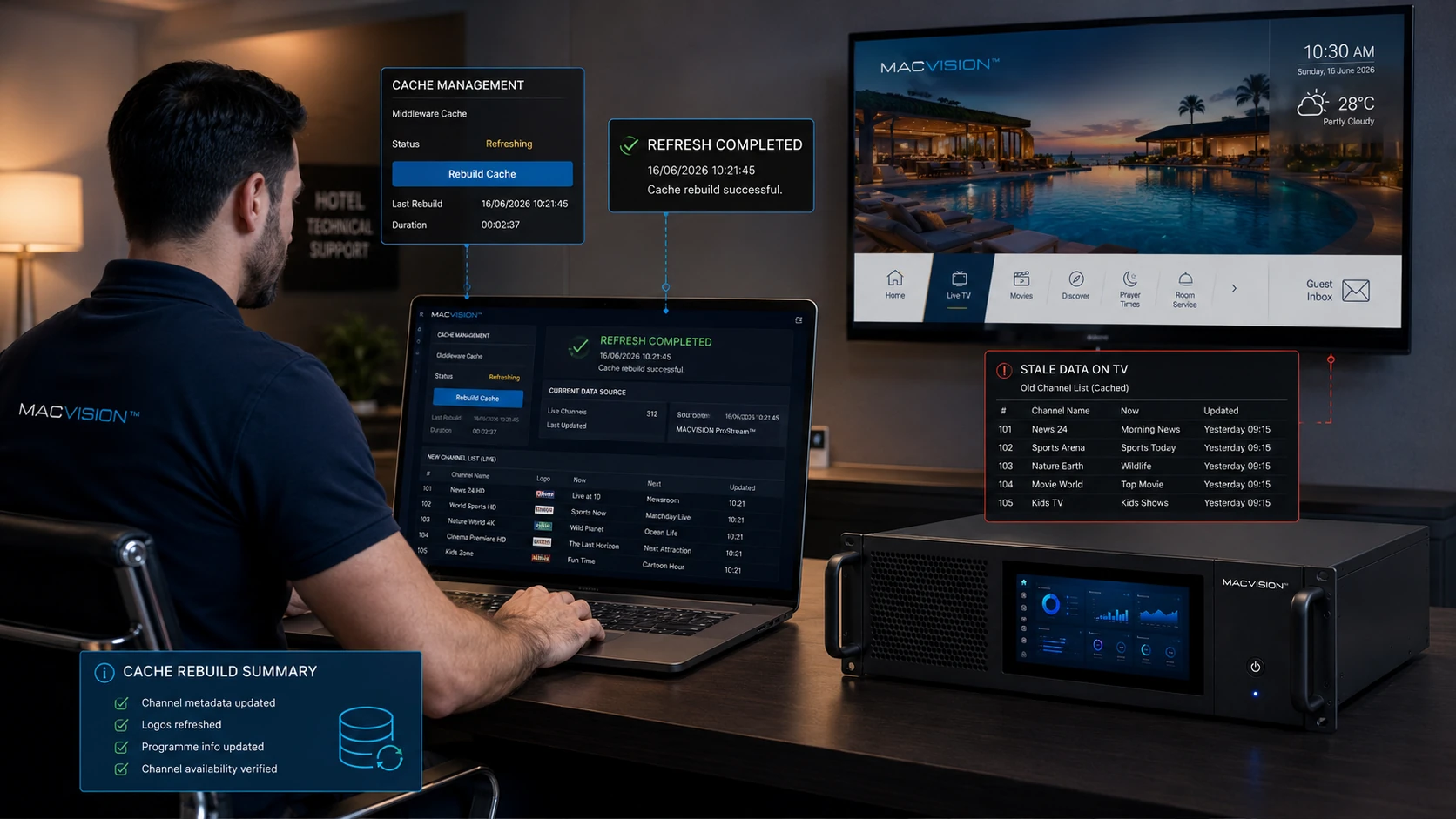
Channel presentation data is often stored separately from the media source. A correct stream can therefore display the wrong logo, duplicate number or outdated name because of database imports, cache, language variants or mismatched identifiers. Presentation errors damage guest usability and can also lead technicians to edit the wrong source. A master channel registry should link the media service, display metadata and EPG identity through stable internal IDs.
Why does selecting one channel number open the right stream with the wrong logo?
Answer: The media URL and presentation asset are associated with different records or the TV application is using a cached logo package. Verify the middleware's internal channel ID, logo filename and language-specific label. Clear only the affected cache after correcting the mapping. Renaming image files without updating references can create the same issue, especially when content delivery or browser caches preserve old assets.
How should duplicate channel numbers be resolved?
Answer: Define one authoritative numbering plan and check both active and hidden records. Imports can create duplicate entries when a service ID changes or when English and Arabic records are added as separate channels instead of translations. Merge or retire obsolete records while preserving favorites and EPG mappings. Test numeric remote entry, list order and category filters on each device type because some clients sort by text and others by numeric field.
What process keeps logos and channel names consistent after lineup updates?
Answer: Update the master registry first, use standardized asset dimensions and filenames, and publish a versioned metadata package. Validate both language variants and accessibility labels. Remove stale assets only after clients have received the new version. Include a visual audit on actual TVs, not only the administration portal, because scaling, transparency and right-to-left layout can alter the result.