

MAIN TECHNICAL ARTICLE
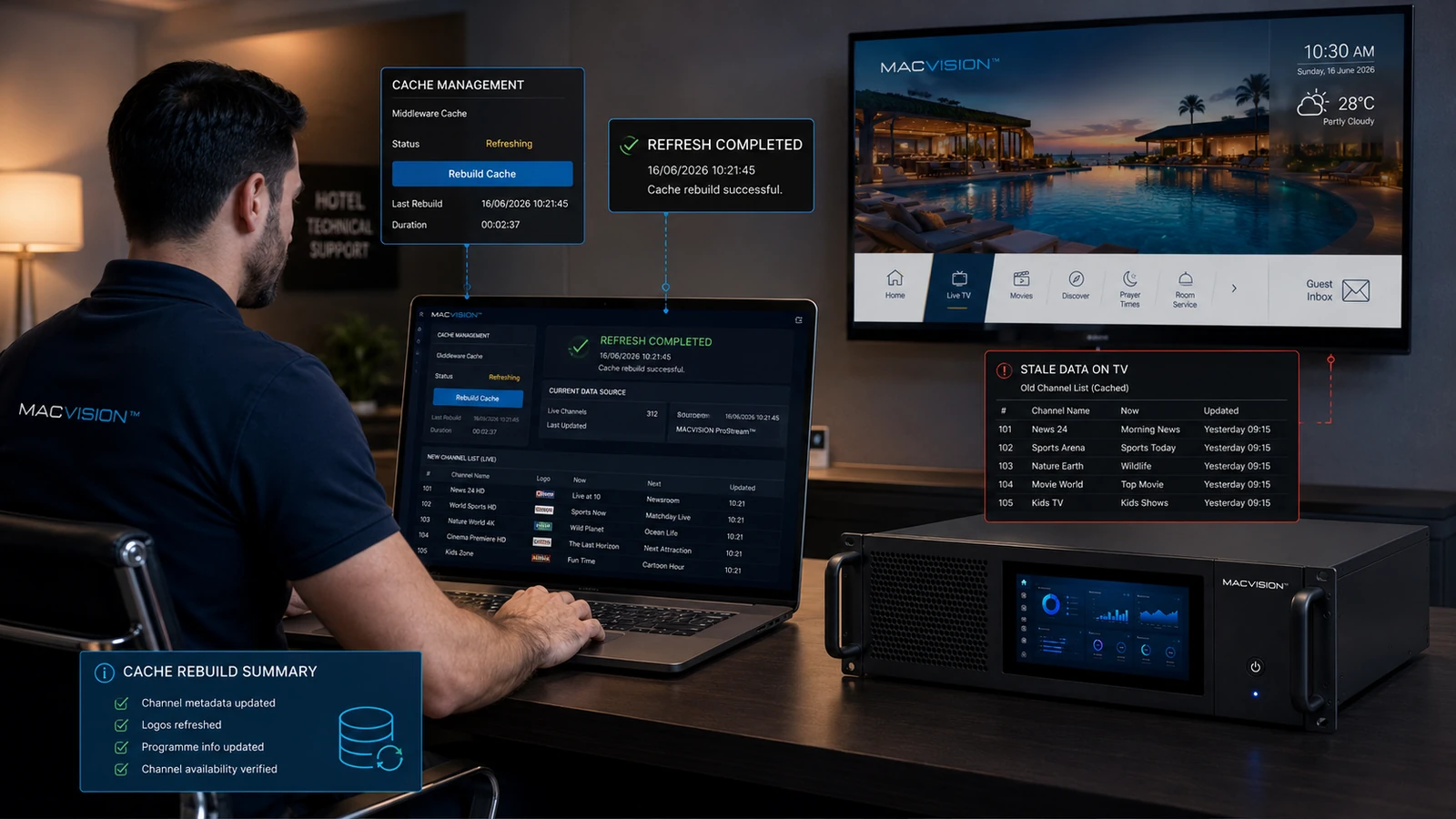
Caching improves application speed by storing channel lists, logos, EPG and configuration on servers, content-delivery layers or televisions. After a change, one cache may continue serving old data even though the administration portal shows the new record. Uncontrolled cache clearing can create heavy reloads or remove useful offline assets, so updates should use versioning and targeted invalidation.
Why does an updated channel URL work for some TVs but not others?
Answer: Different devices may have cached different configuration versions or may contact different middleware nodes. One TV can use the new stream while another retains the old address until restart or cache expiry. Check the configuration version delivered to each client and server-node consistency. Use a forced version increment or targeted refresh rather than asking every guest to factory-reset the television.
How can a logo remain old after the image file was replaced?
Answer: Browsers and TV applications often cache assets by URL. Replacing content under the same filename may not trigger a download, and an intermediate proxy may also hold the old file. Publish the asset with a versioned URL or content hash and update the metadata reference. Confirm MIME type and transparency. Deleting all caches is less controlled and can create unnecessary load across the property.
What cache strategy supports reliable IPTV content updates?
Answer: Separate rapidly changing data such as EPG from stable assets such as application code, assign suitable expiry periods and use versioned packages. Provide an administrative method to invalidate one channel, one property or one device group. Monitor deployment status and retain rollback versions. Test update behavior on TVs that were offline during publication, because they must recover cleanly when they reconnect later.